
How to join shofa.social
Every shofa.social profile starts at a partner cafe's counter, because staff take every photo. The first partner cafes haven't been announced yet.
The steps
- Ask at the till for a shofa.social photoshoot. You'll pay at the cafe's till, at a price the cafe sets (we suggest £5).
- Bring a photo ID to show staff. They'll check you're 18 or over. The ID isn't photographed or stored.
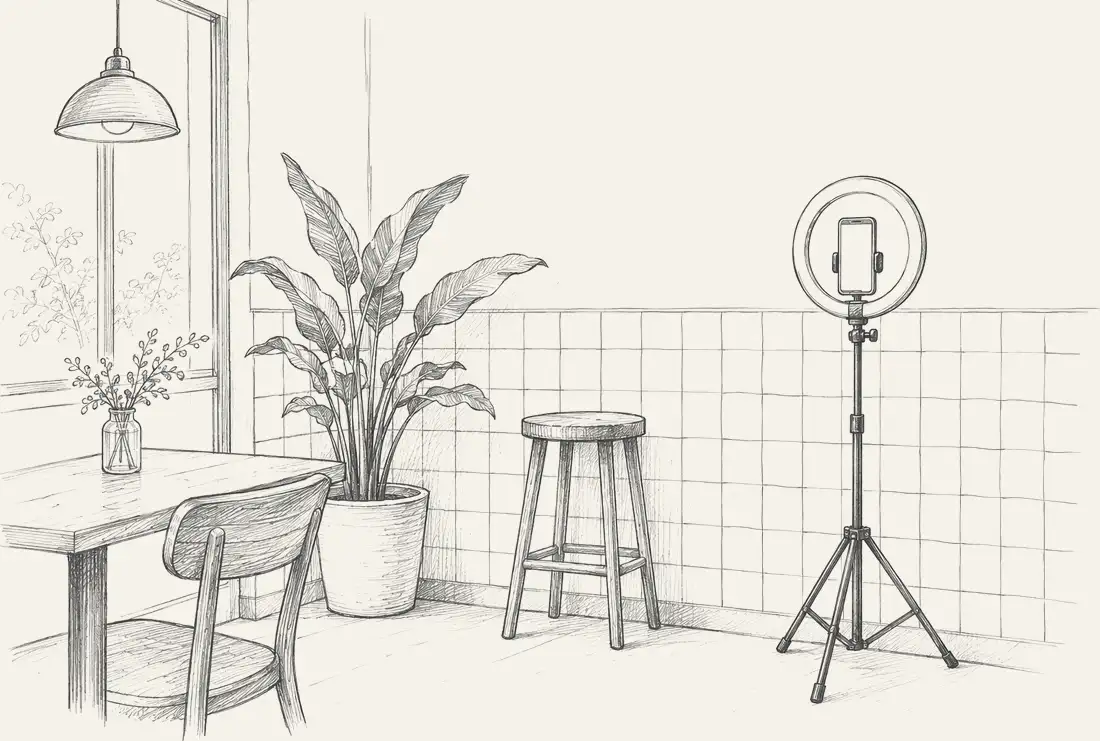
- Staff take your photos in the cafe's photo spot, in the same light every time, with no filters or editing. You can ask for a female member of staff where the cafe offers one.
- Scan the invite staff give you with your phone camera. Each invite works once and lasts 24 hours.
- Sign in with your mobile number and the code we text you. Confirm you're 18 or over and accept the house rules and photo terms. Then fill in your profile.
- Choose up to 4 photos to publish. The rest are deleted straight away. Your profile will go live with the first one you publish.
Your date of birth and gender can't be changed later.
What it costs
The photoshoot is paid at the cafe's own till, at a price the cafe sets (we suggest £5). It includes three cafes, the one that took your photos and two more you check in at. Each cafe after that is £2.50, or £7.99 a month for as many cafes as you like.
Already a member?
Sign in to shofa.social with your mobile number and a texted code.