
Become a shofa.social partner cafe
Members come to partner cafes for a photoshoot, check in at the counter and meet at a table the cafe chooses. You sell the photoshoot at your own till, at a price you set.
What it costs
You set the customer's price at your own till. We suggest charging customers £5. Customer money stays with you and never passes through shofa.social. Shoots beyond a prepaid 10 cost £2.50 each. A retake for the same person at your cafe within 7 days isn't billed.
What your staff do
- Run photoshoots on the signed-in phone or tablet. Tick that the customer has paid and that you've checked their photo ID. Take the photos in your photo spot and show them the invite to scan.
- Make the shoot a warm moment. People are trying something new. Welcome them, take a few shots and let them choose.
- Check-ins need nothing from staff. Members scan the check-in code themselves. It shows on the same device and changes every 30 seconds.
- Bookings show on the Today screen, where staff mark the shofa table ready.
- Ban anyone who isn't serious or behaves badly, with a logged reason.
What you control
- Your shofa table and its name.
- Your photo spot, used for every shoot in the same light, with no filters or editing.
- Your customer price for a photoshoot, rung up at your own till.
- How long bookings last, 30, 45 or 60 minutes.
- Whether female staff can do photoshoots, shown on your cafe page.
- Pausing your cafe at any time. A paused cafe is taken out of the directory.
The phone or tablet on your counter
Your phone runs the photoshoots and shows the check-in code. You can also pair a tablet or a second phone to your cafe by entering the code it shows. A paired screen does both without anyone signing in on it. Invite staff by their phone number and choose whether each of them can take photos, take bookings or ban people.
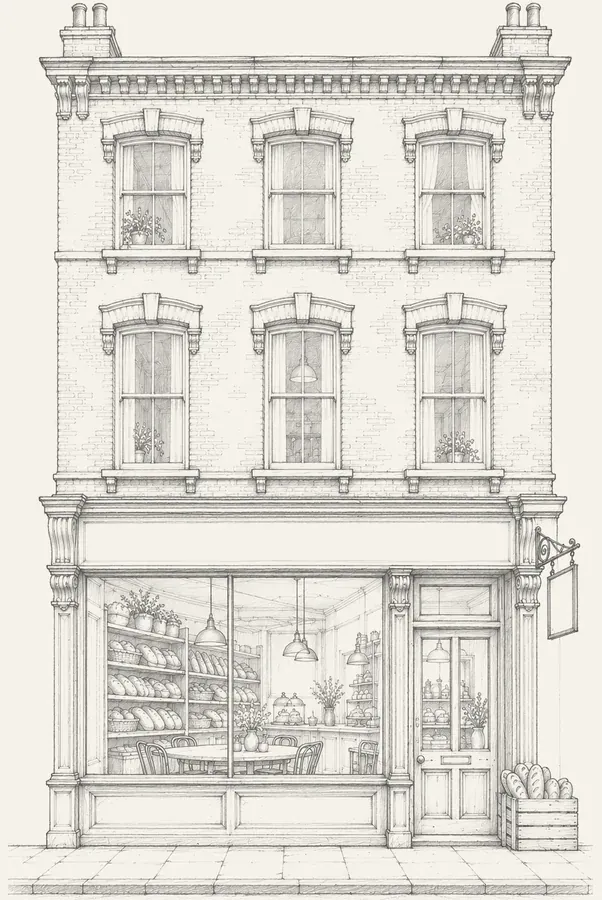
Your name, address, opening hours and photos come from your Google listing, and shofa.social turns a photo of your shopfront into a pencil drawing for your cafe page. See how sign-up works.
Rules for partner cafes
- Take photos only in the cafe, using live capture.
- Check age at every shoot.
- Don't share anyone's details outside the app.
- Ban fairly and log a reason.
See the full house rules, for members and cafes.
Questions from cafe owners
Who takes the photos?
You or a member of staff you've invited, using the live camera on your phone or on a tablet paired to your cafe, in the cafe. They check a photo ID first and tick Age checked. The ID isn't photographed or stored.
What if someone misbehaves?
You can ban anyone from your cafe from the Today screen and log a reason. Anyone banned at 2 cafes, or reported by 3 different people within 90 days, is suspended automatically.
Do staff need to supervise meetings?
Your staff don't need to supervise anything. Today's bookings show on the Today screen.
Can we stop?
Yes, you can pause your cafe or leave shofa.social at any time. If you leave, the £10 a month per branch stops at the end of that billing month and bookings at your cafe are cancelled with notice.