
How shofa.social works, from the photo wall to the shofa table
shofa.social is a way to meet someone for marriage at a cafe near you. Staff at a partner cafe will take your photos. When you check in at the counter, you'll see who else in the cafe is open to a shofa. If you both wave, you'll meet at the cafe's shofa table. There's no chat before you meet.
Words used on shofa.social
- Shofa
- A first meeting for marriage, at the cafe's table.
- Check in
- Scan the code on the counter to show you're in the cafe.
- Here now
- The people in the cafe who are open to a shofa, shown only to people checked in there.
- Wave
- A private request to meet, seen only by the person you wave at. You meet if they say yes.
- Shofa table
- The cafe's named table for meetings, in public.
- Chaperone
- A family member or friend who comes to the meeting with you.
How shofa.social works
-
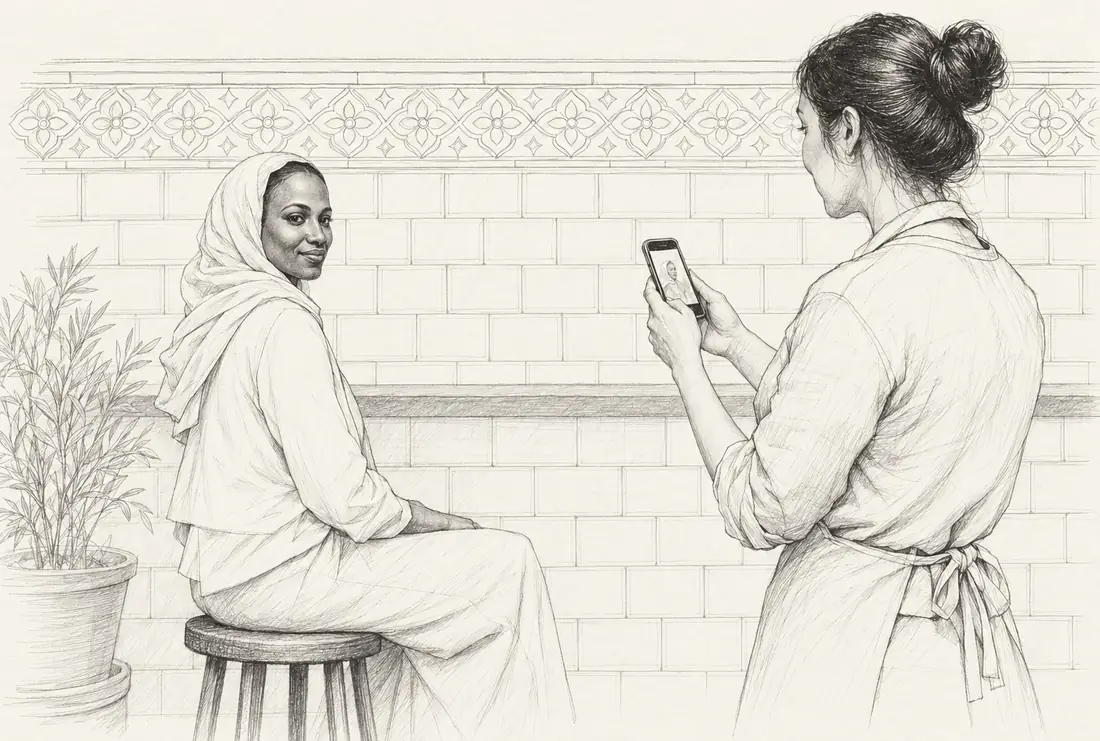
Get your photos taken at the cafe
On your first visit, staff will take your profile photos at the counter, in the same spot and light as everyone else's. You'll pay for the shoot at the till and keep up to 4.
-
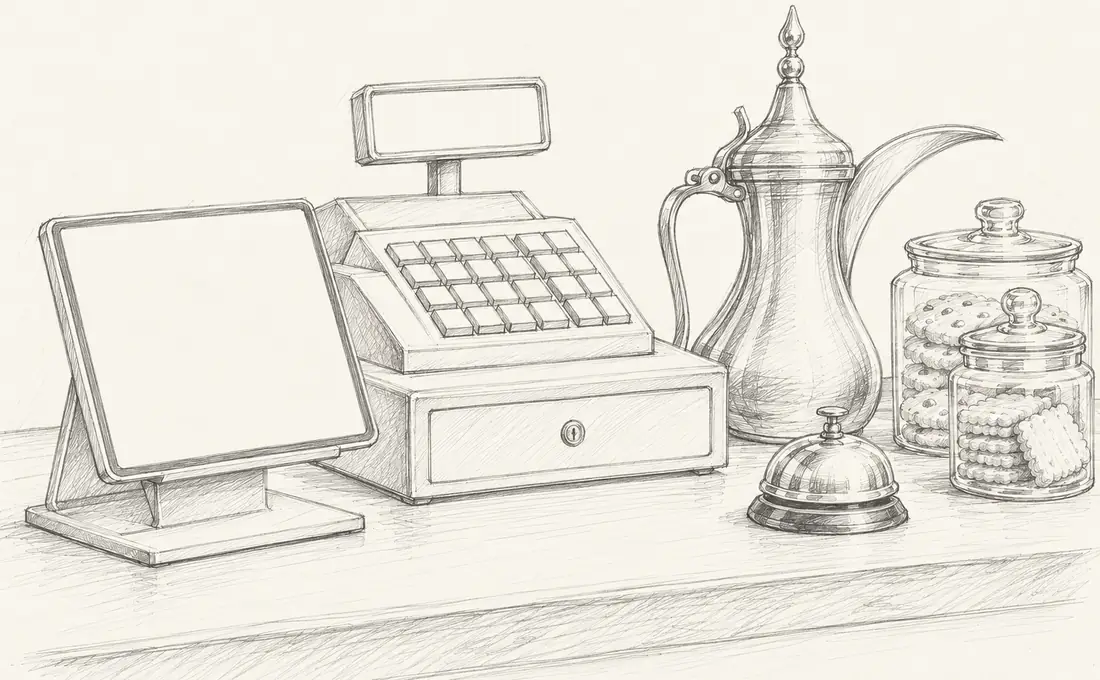
Check in when you visit
Scan the code on the counter with your phone. For the next 90 minutes you can see who else in the cafe is looking to marry.
-
Send a 👋
If someone catches your eye, send them a 👋. You get 3 a day. Only the person you send it to will see it. If they don't send one back, it'll fade after 72 hours.
-
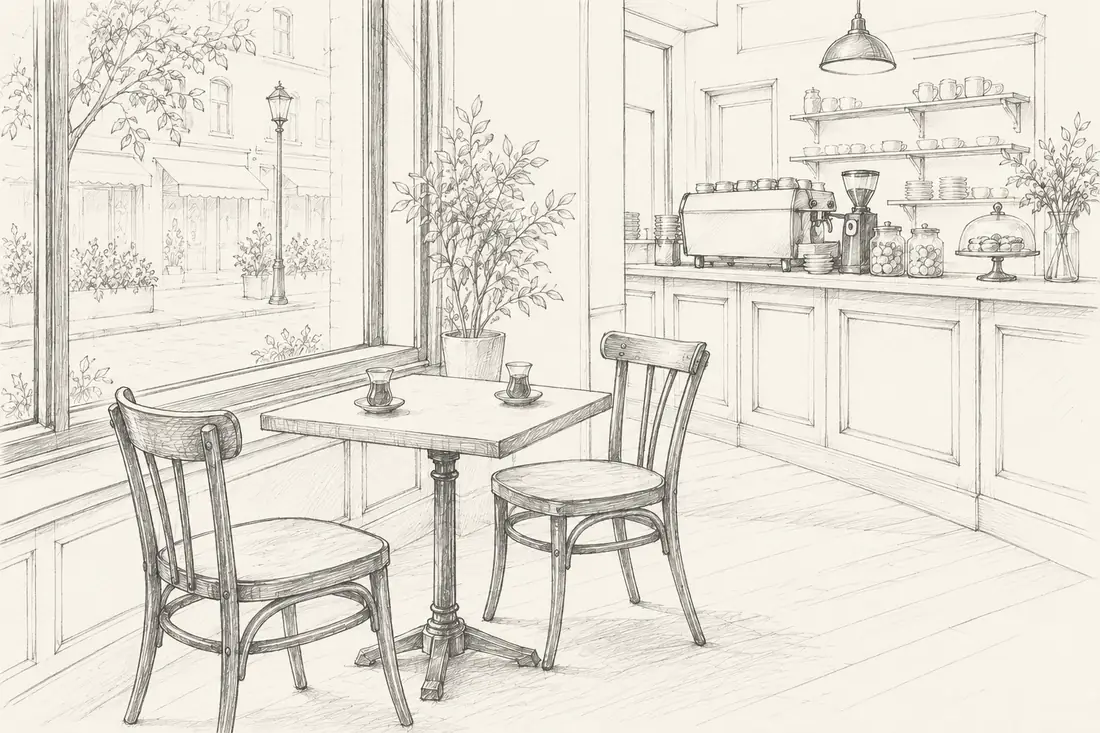
Meet at the table
If your 👋 is returned, you'll meet at the cafe's table, in public. The other person might bring a chaperone or a friend.
-
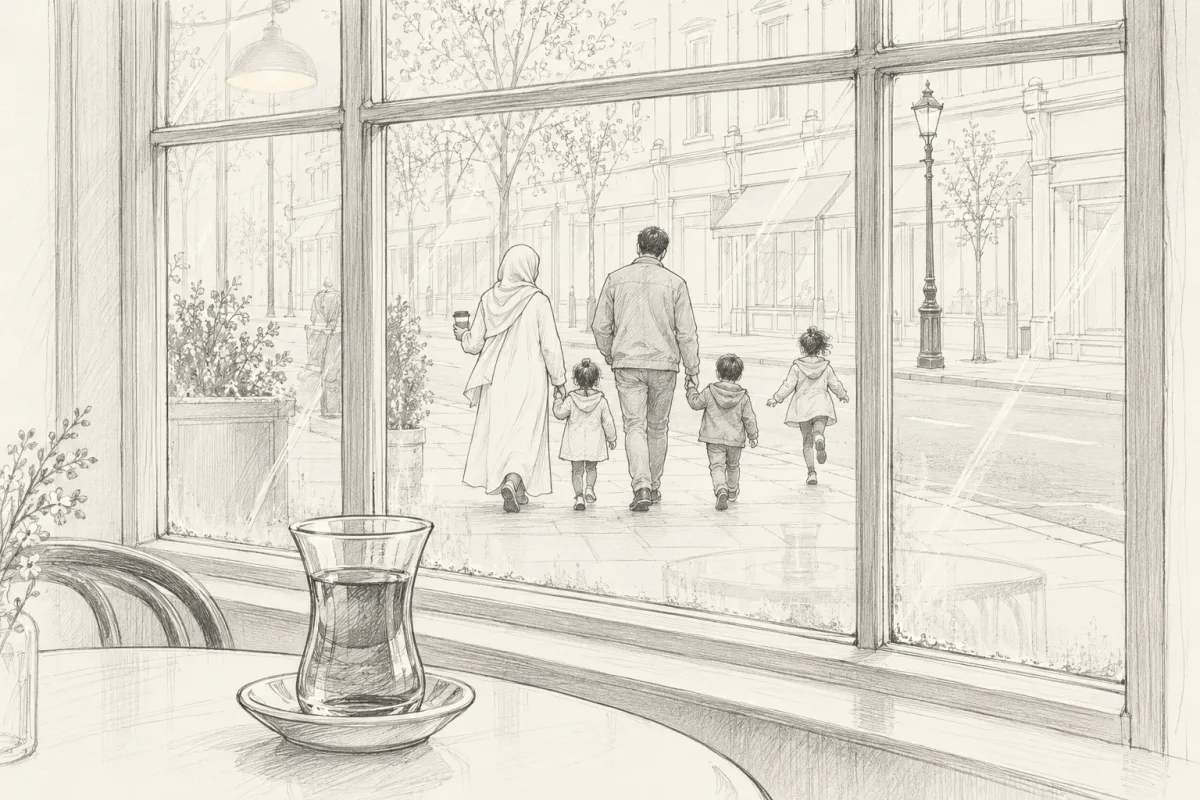
After you meet
If you'd both like to meet again, swap numbers at the table. You can pause or delete your profile whenever you like.

The limits, and why they're there
- 3waves a day to spend on people you'd like to meet. You have to answer the waves you've received before you send another. The count resets at midnight UK time.
- 72 hto answer a wave, with a reminder at 24 hours. A no is never shown to the sender. Their wave stays Waiting for the full 72 hours and then fades.
- 7 daysto book a time after a match, because a match is for meeting. If nobody books, the match will close.
- 90 minper check-in, about as long as a visit. Scan the code again to stay longer.
- 30 daysbefore you can wave the same person again after a wave fades. Nobody gets asked twice in a month.
- 4photos at most, chosen from the shoot at the cafe. The rest are deleted straight away.
What it costs
You pay for one photoshoot, at the cafe's own till.
The cafe sets the price of the photoshoot (we suggest £5). It includes three cafes, the one that took your photos and two more you check in at. Each cafe after that is £2.50, or £7.99 a month for as many cafes as you like.
After 12 months you'll be asked to have new photos taken. Your old photos stay up until the new ones replace them.
Join shofa.socialQuestions about how it works
How long does it take from joining to a first meeting?
The photoshoot and sign-up take one visit to a partner cafe and a few minutes on your phone. After that it depends on who is checked in when you are. If you both wave and you're both there, you can meet at the table the same day.
What does it cost?
One photoshoot, paid at the cafe's own till at a price the cafe sets (we suggest £5). It includes three cafes, the one that took your photos and two more. Each cafe after that is £2.50, or £7.99 a month for as many as you like.
Can I check in at more than one cafe?
Yes, one at a time. You only see people checked in at the same cafe as you.
What if I'd prefer not to be seen today?
Choose History only when you check in. You won't appear in the Here now list that day.